
Migrating Content to New Template Pages
- Open the book.

- Open the existing page in a new tab

- Open the deliverable/milestone chapter
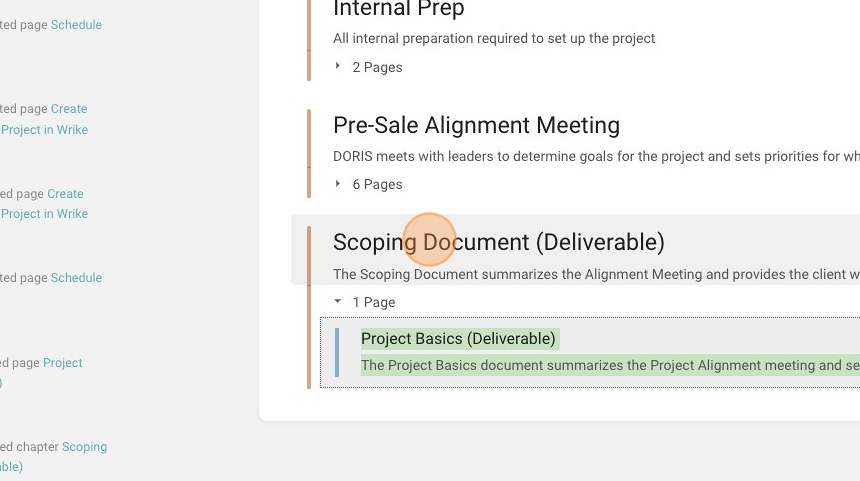
- Create a new page
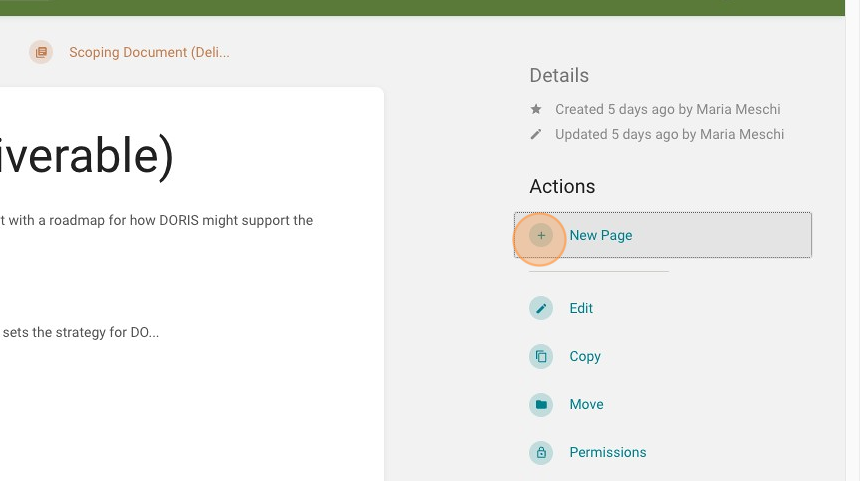
- Insert the SOP template

- Click "SOP Page Template"

- From the existing page, copy over the task name to the new page title

- Click the "Page Title" field.
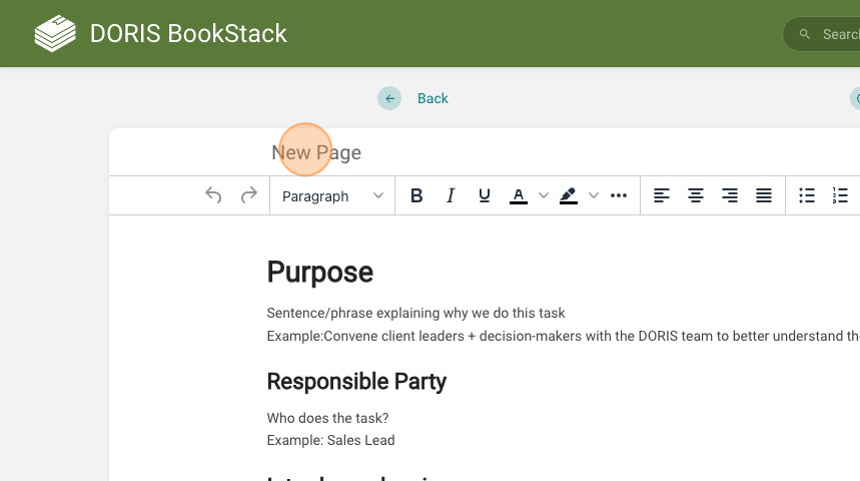
- Click the "Page Title" field.
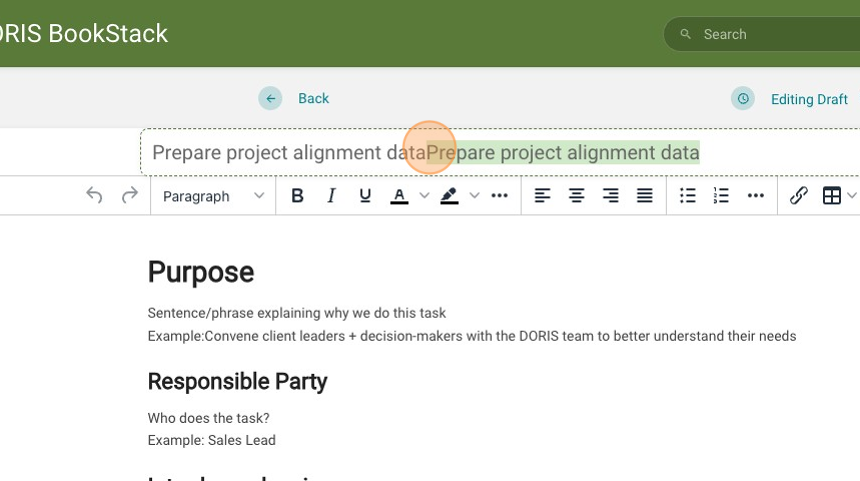
- From the existing page, copy over the content and place where it fits in the template

- Add content (if known) or make a note of tasks that content for any of the template headers.
- Click this button to add a tag
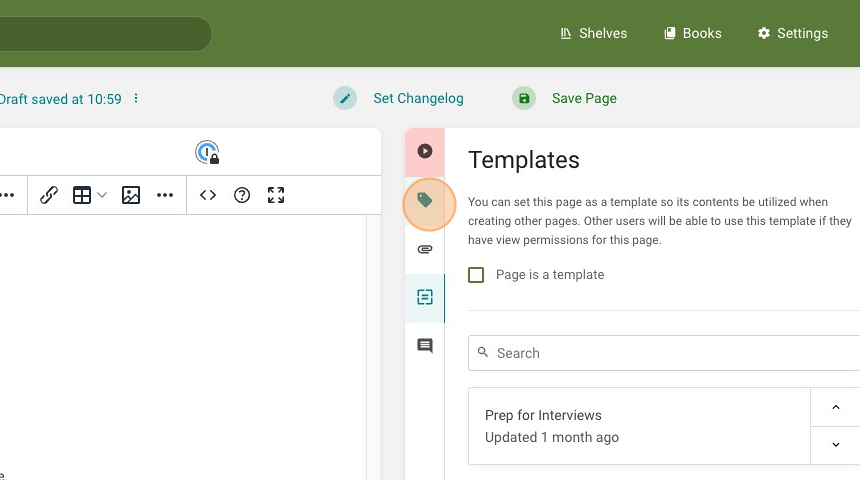
- Add a tag for the Responsible Party.

- Click "Save Page"
