
Prepare Survey Data
Purpose
Prepares data for analysis
Responsible Party
Project Lead
Interdependencies
Survey data collection is complete
Directions
OpenDownload the
surveydataonfromQualtrics.Qualtrics
Exporting Data from Surveys in Qualtrics
1. Navigate to
DataQualtricsand2.
exportClick the project's surveydata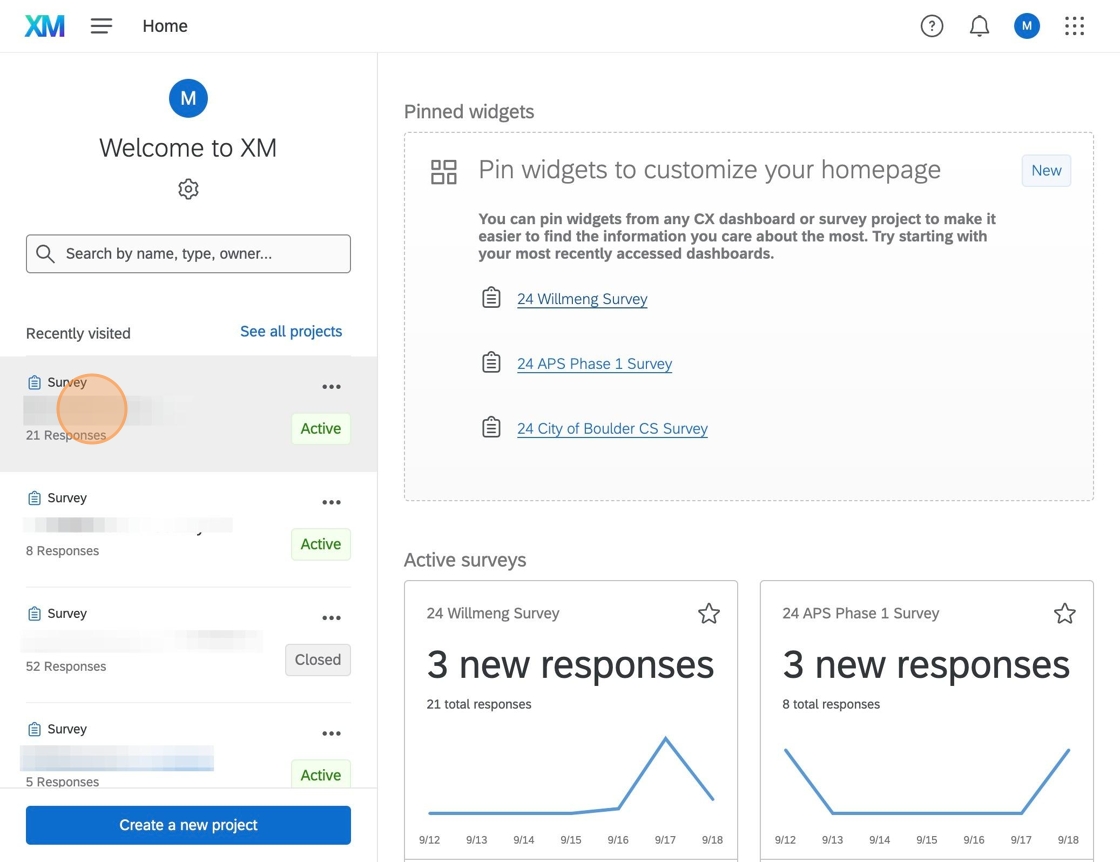
to3.
Excel. DownloadClick "Data & Analysis"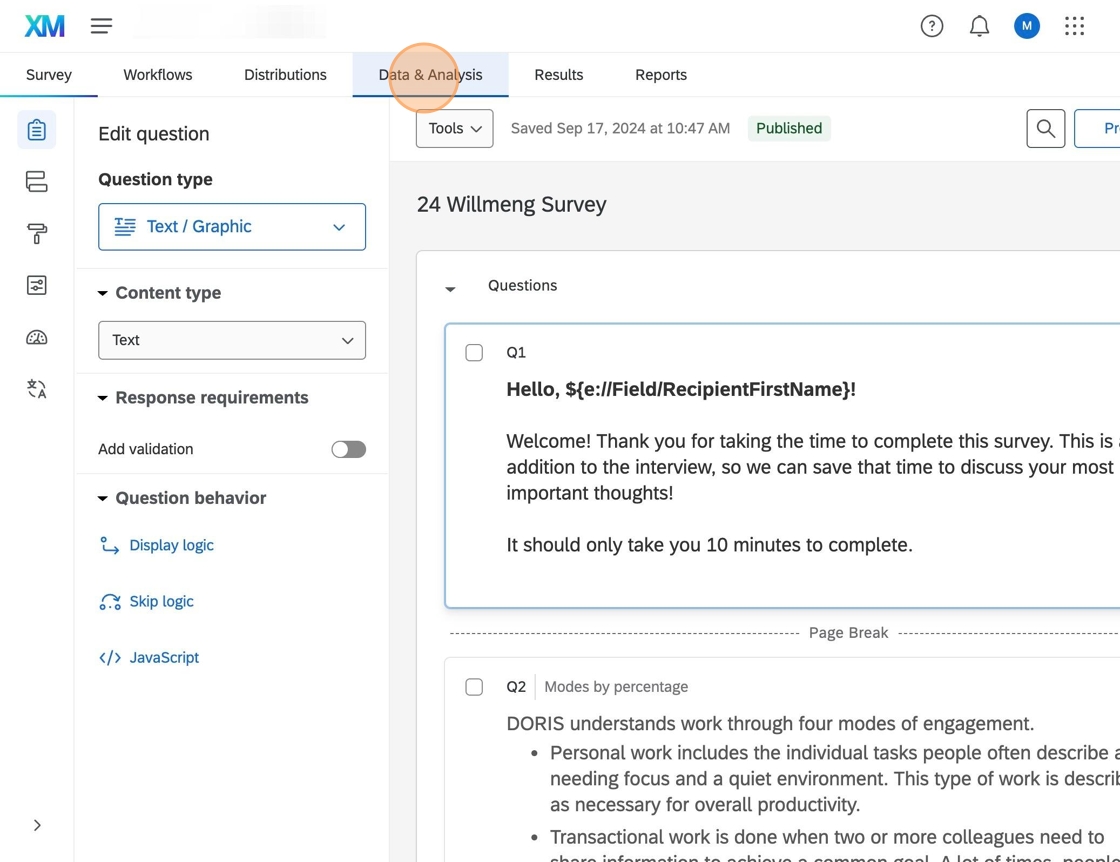
4. Click "Export & Import"
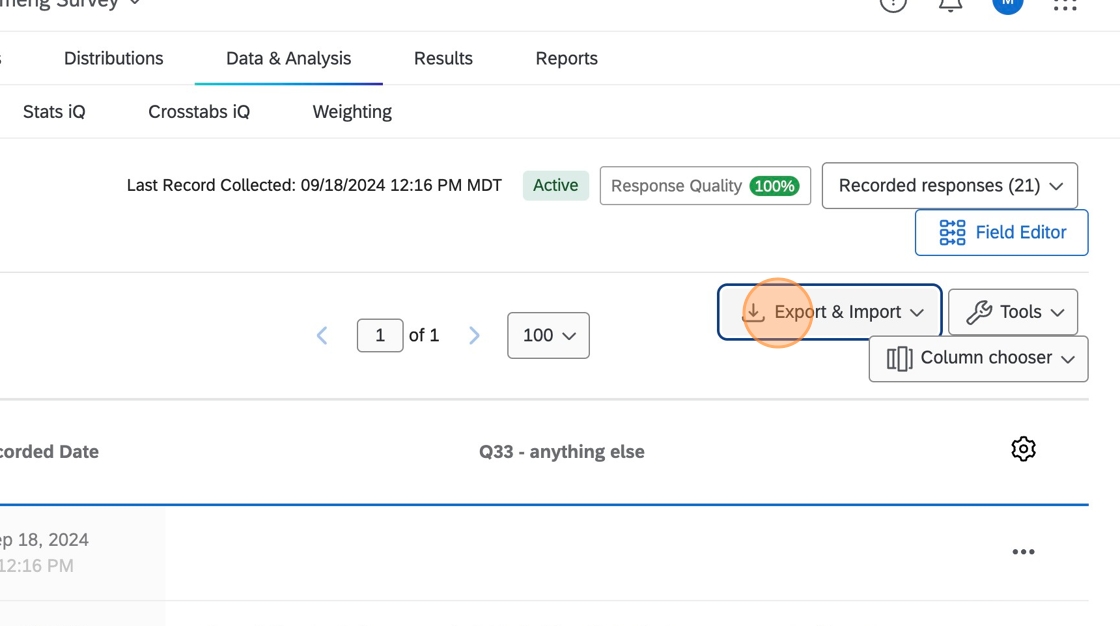
5. Click "Export Data..."
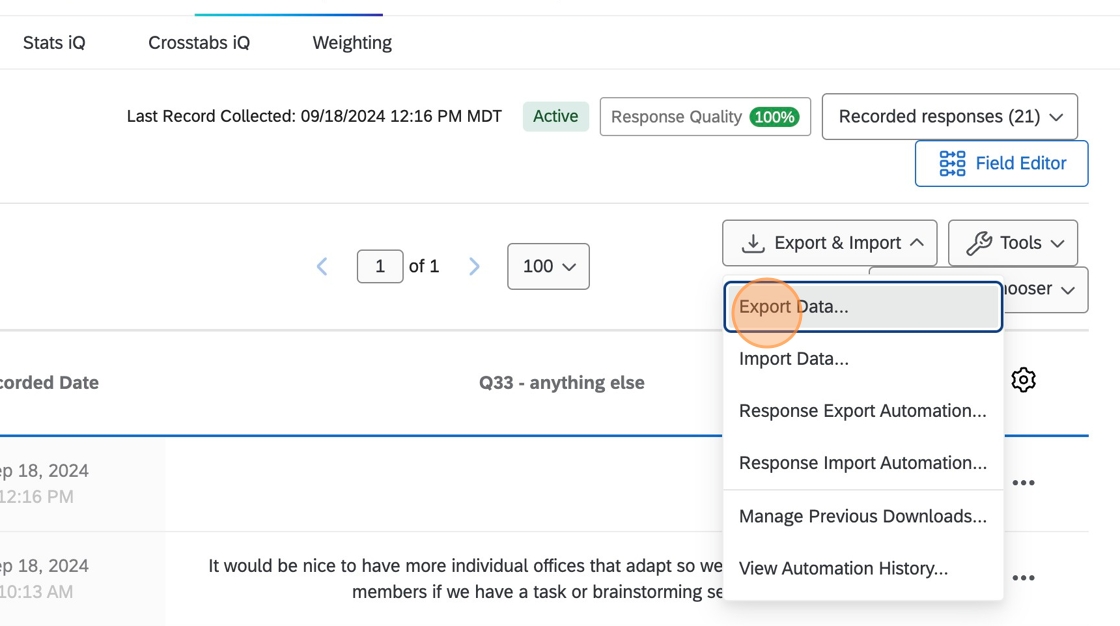
6. Click "Excel"
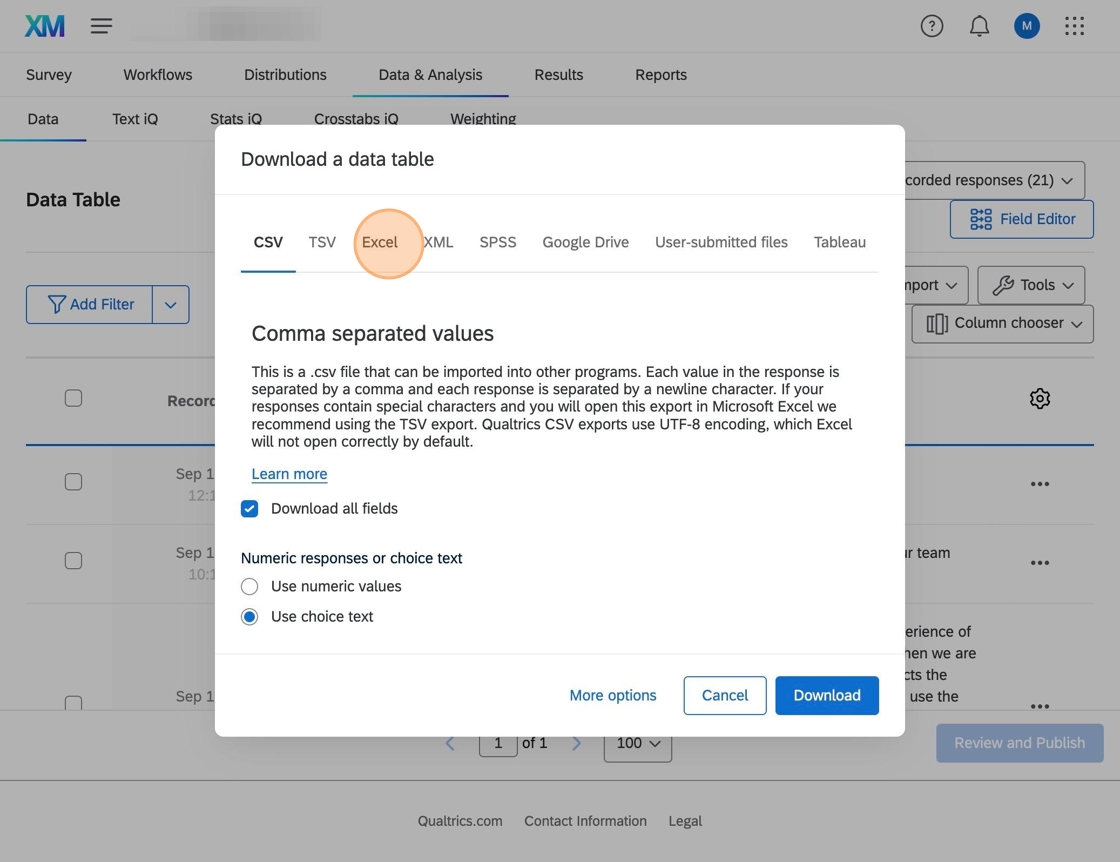
7. Click "Use choice
text.text"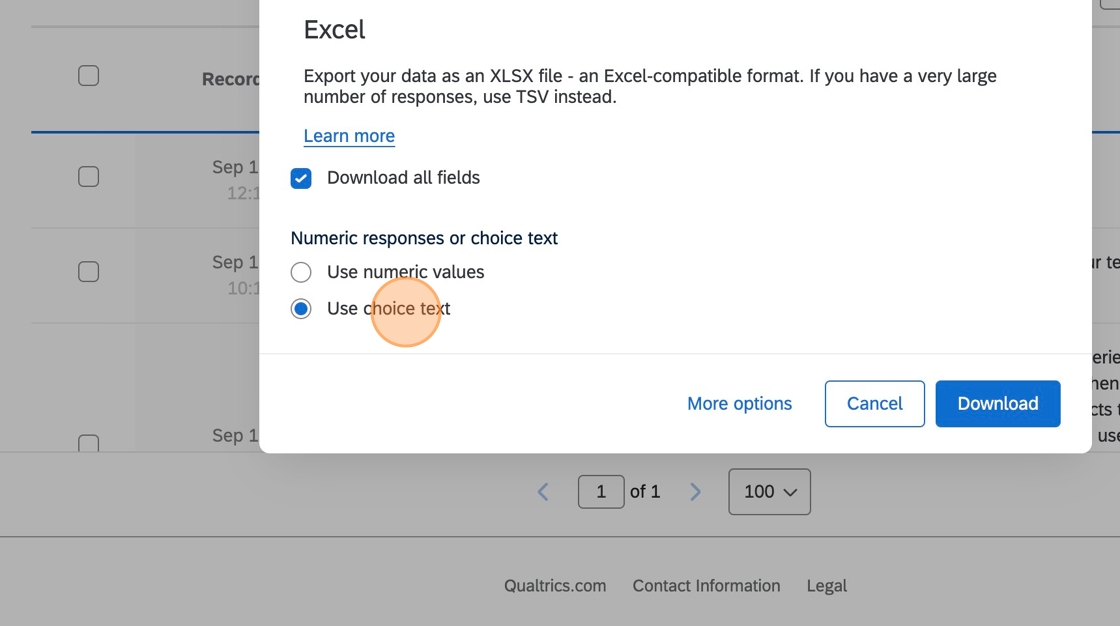
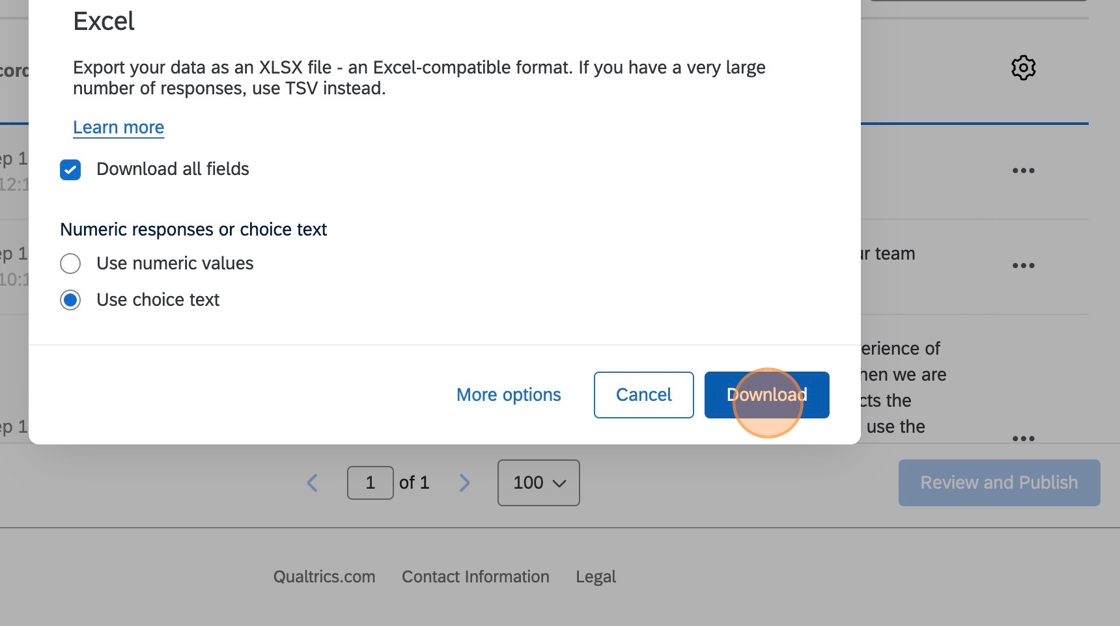
8. Click "
Download"
9. Save the file
into the project's folder onBox.Box
-
Clean the data
Clean survey data in Excel
1. Open the
file.survey Checkdata Excel file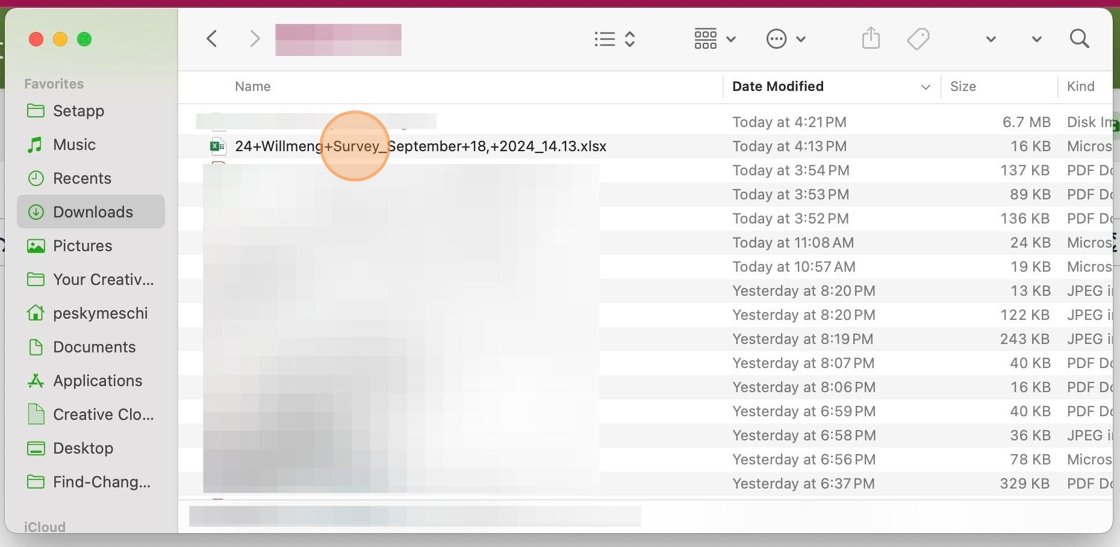
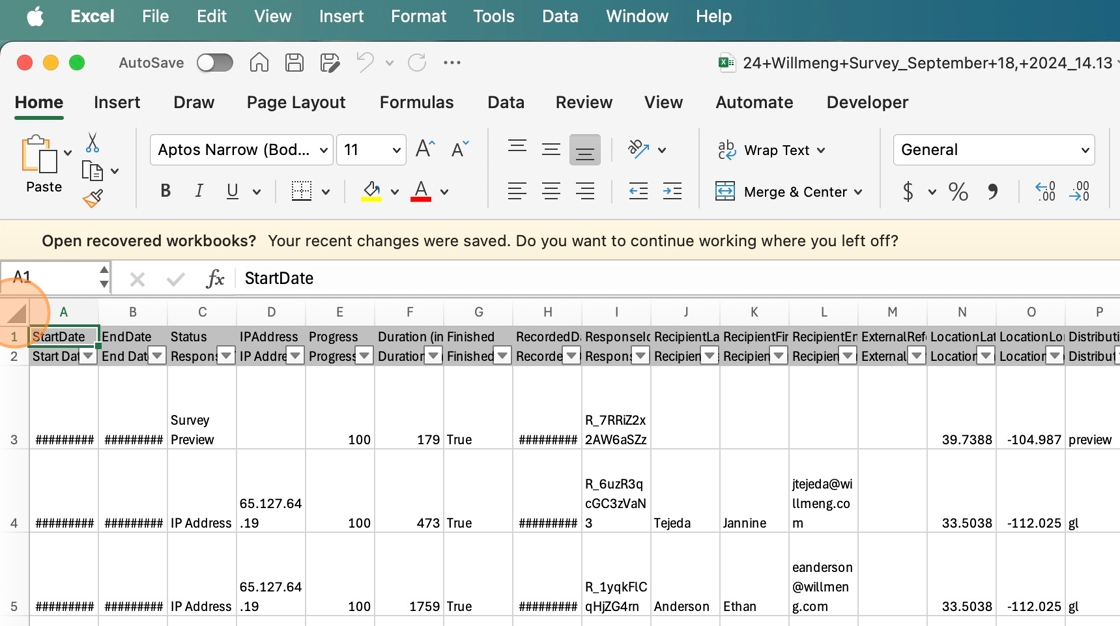
2. Click here to select all cells
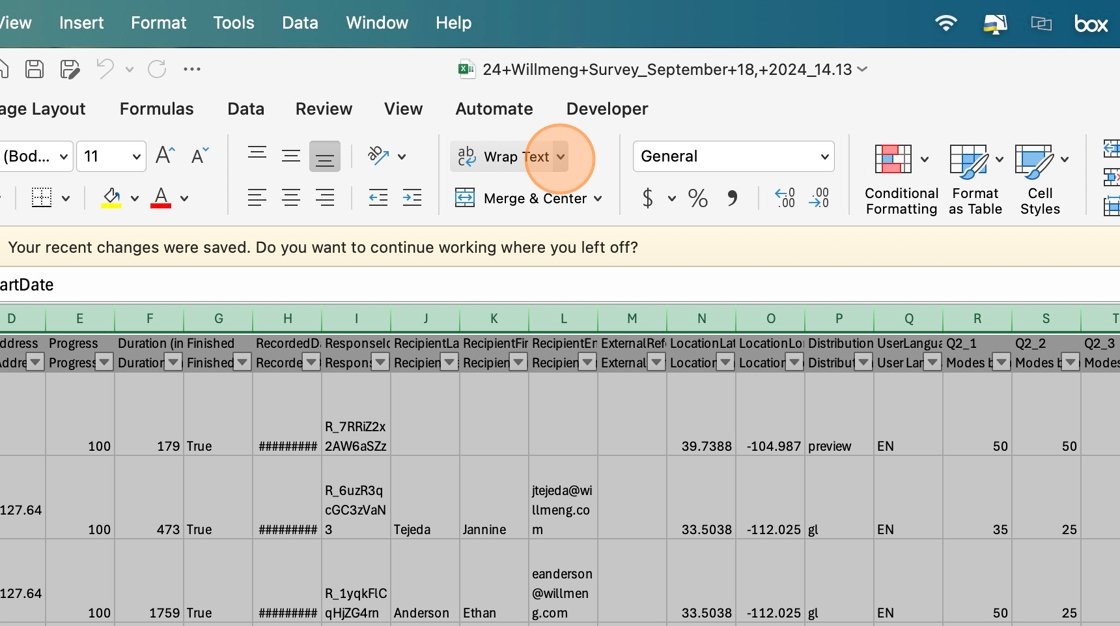
3. Click "Wrap Text" twice to turn it off in all cells
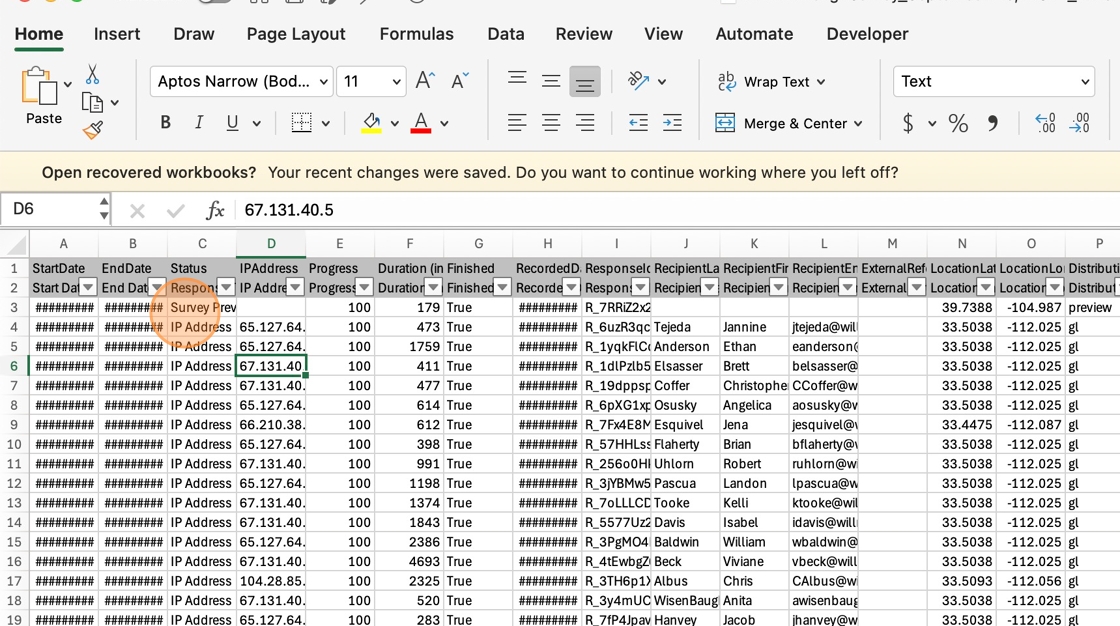
4. In column C, look for any rows that contain Survey Preview
5. Right-click the
firstRowfewHeader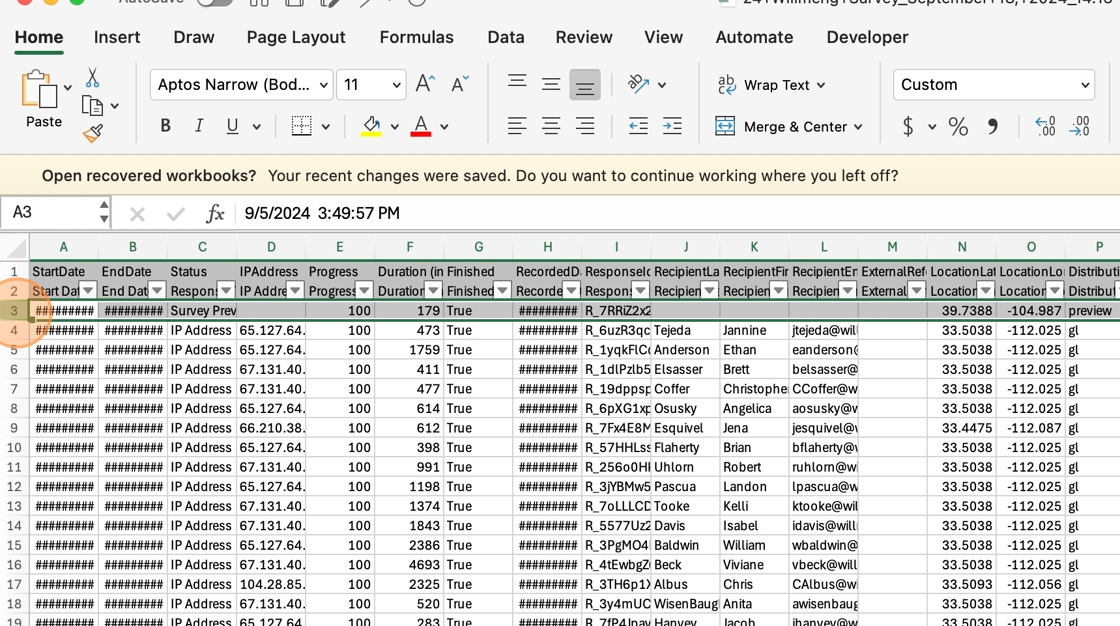
6. Click "Delete"
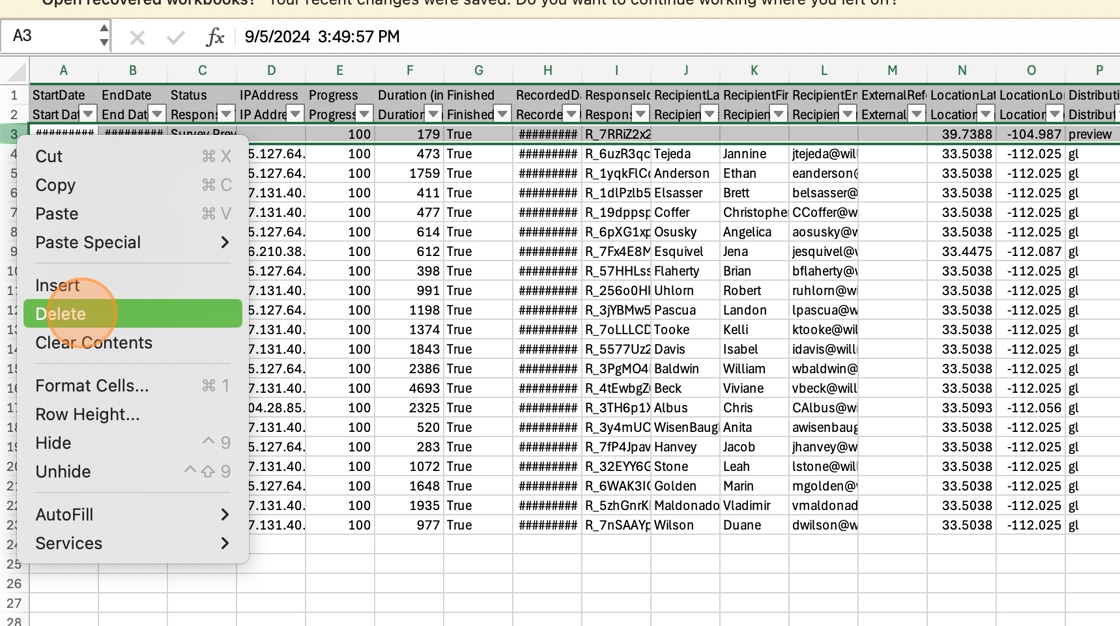
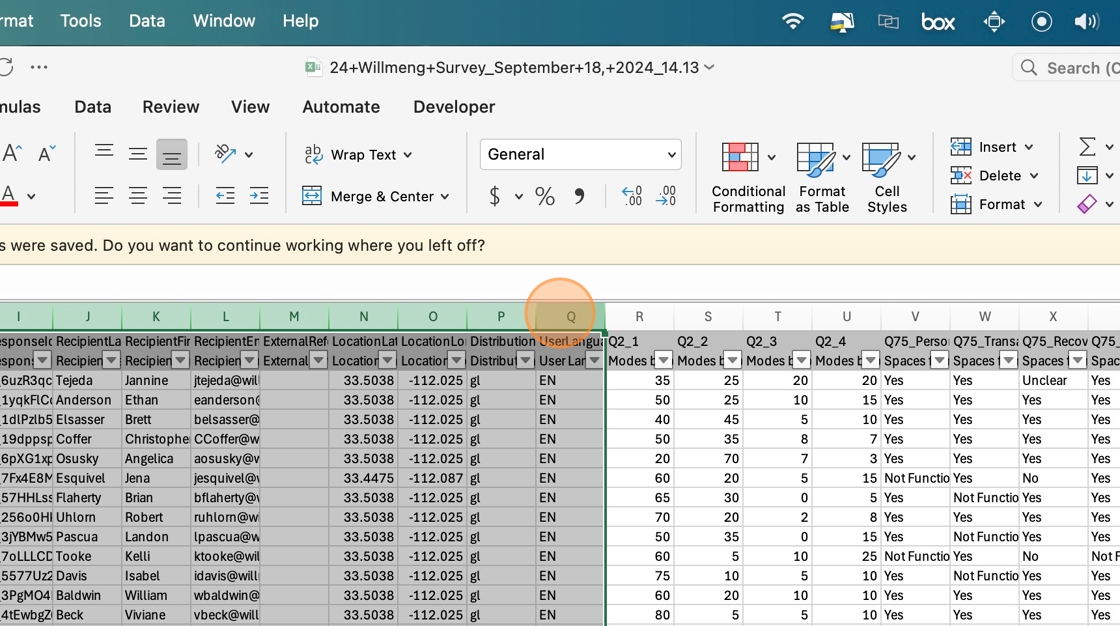
7. Select Columns A–Q
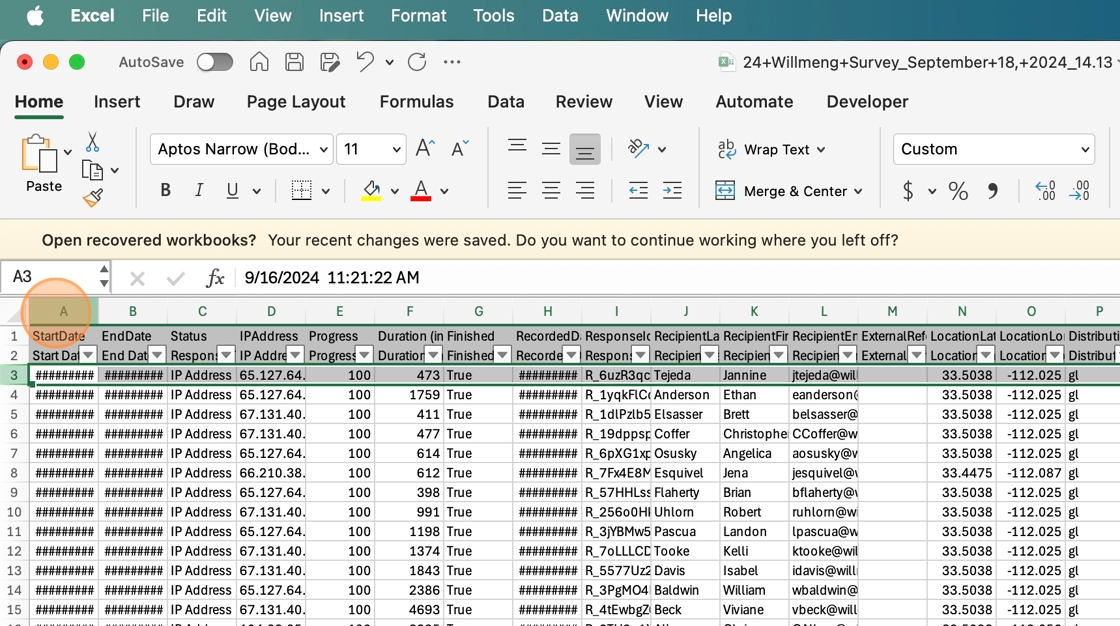
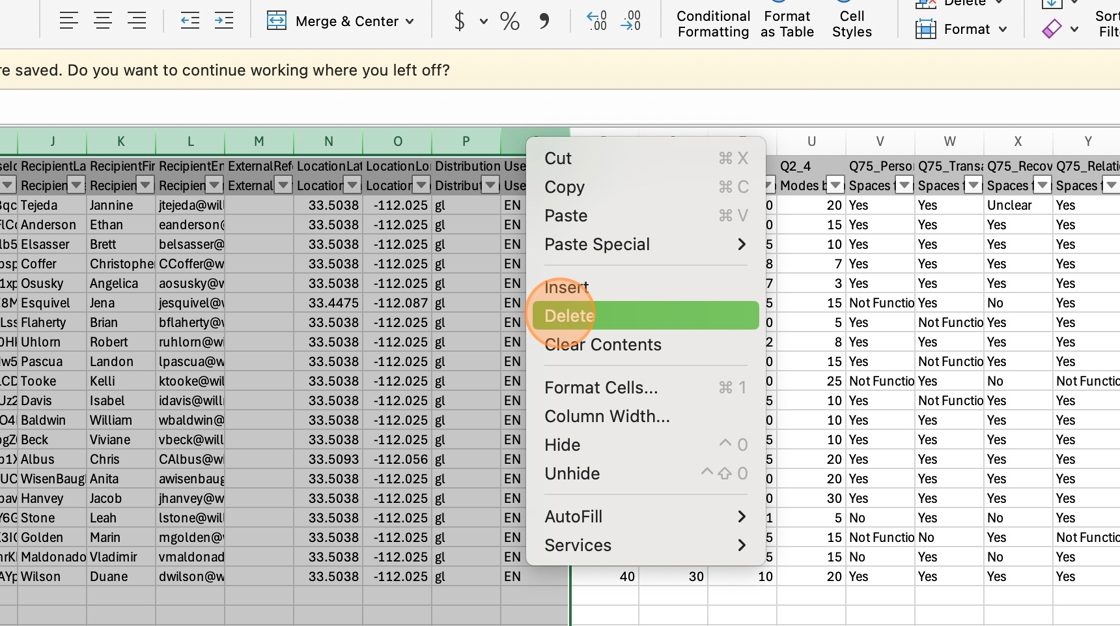
8. Right-click the Q Column Header
9. Click "Delete"
10. Click the A Column Header
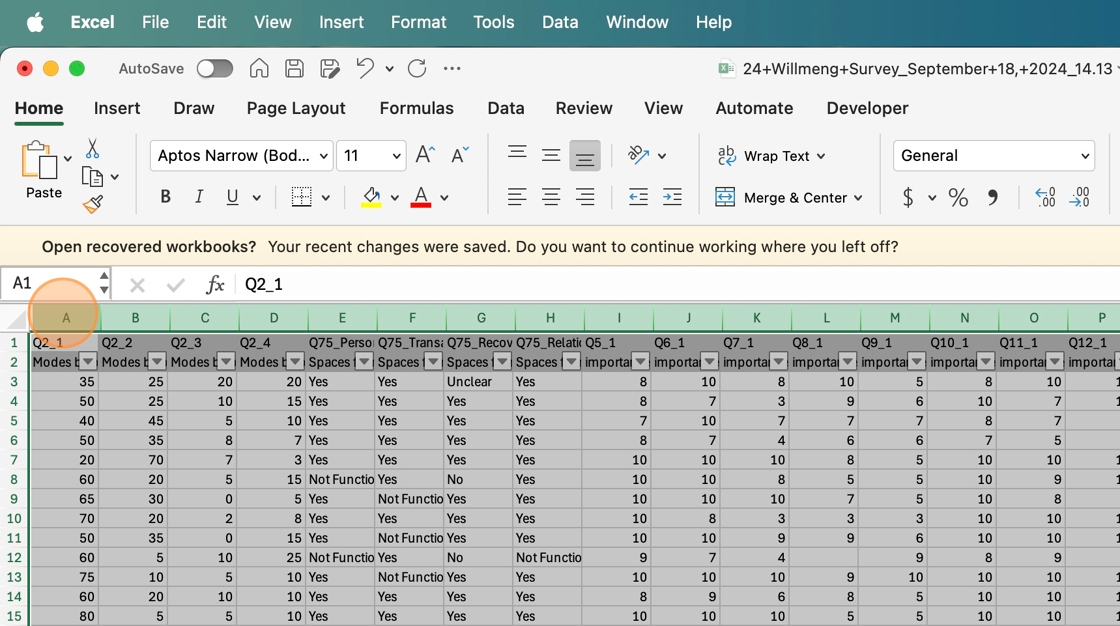
11. Right-double-click the A Column Header
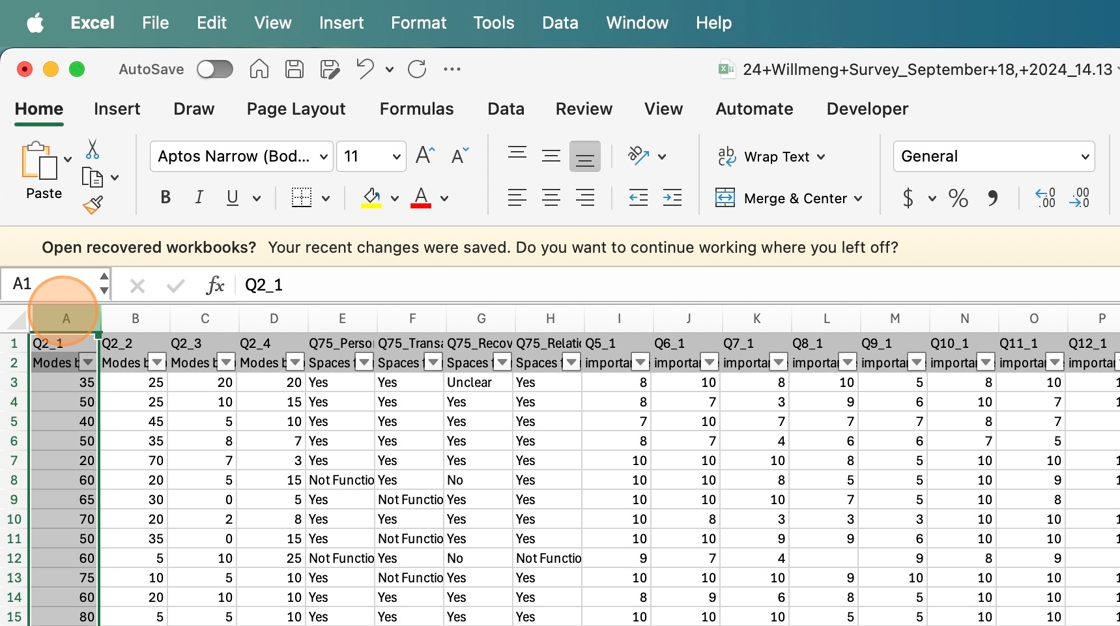
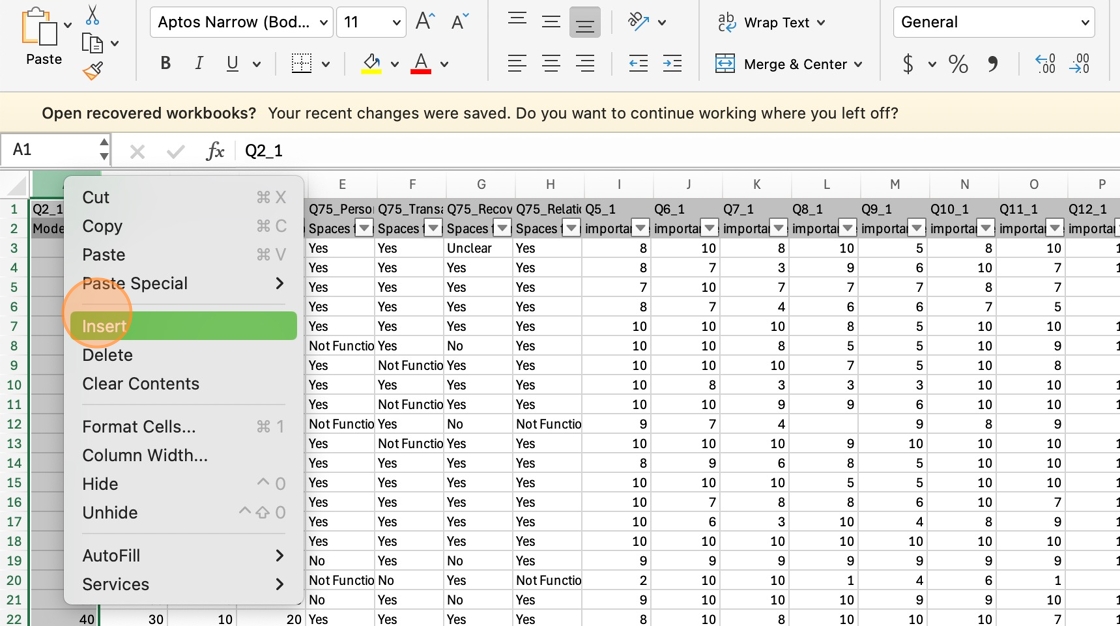
12. Click "Insert" to add a column
13. Click here
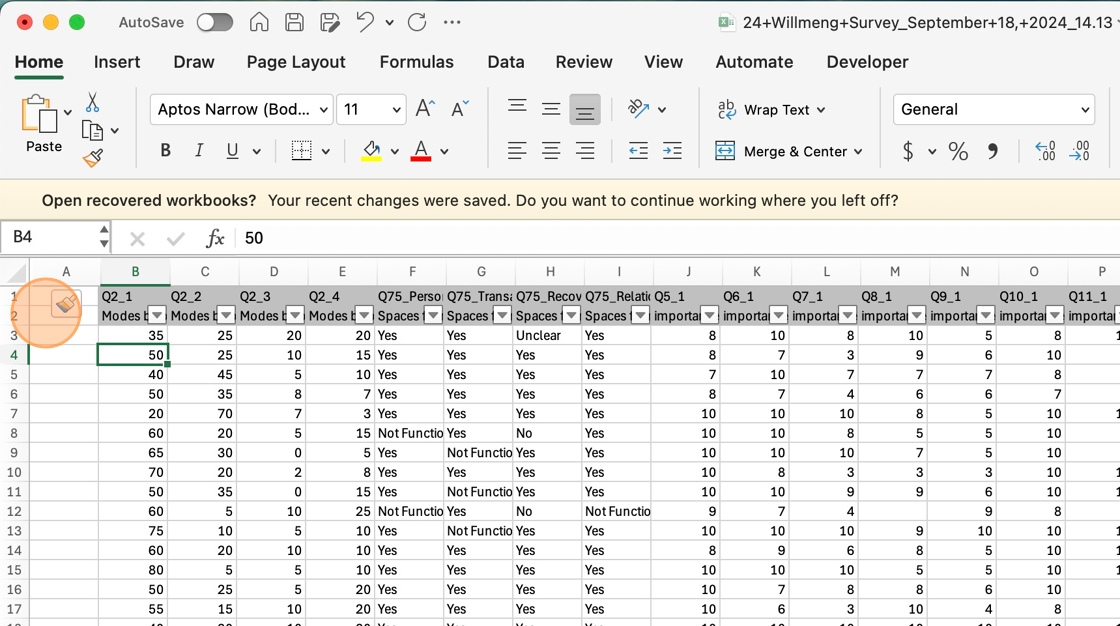
14. Type "Document Name [[Enter]]"
15. Type "Project-Survey-001 [[Enter]]"
16. Select the anchor point of the cell and drag it down to fill all rows
[]withandnamesdeleteinanysequenceentries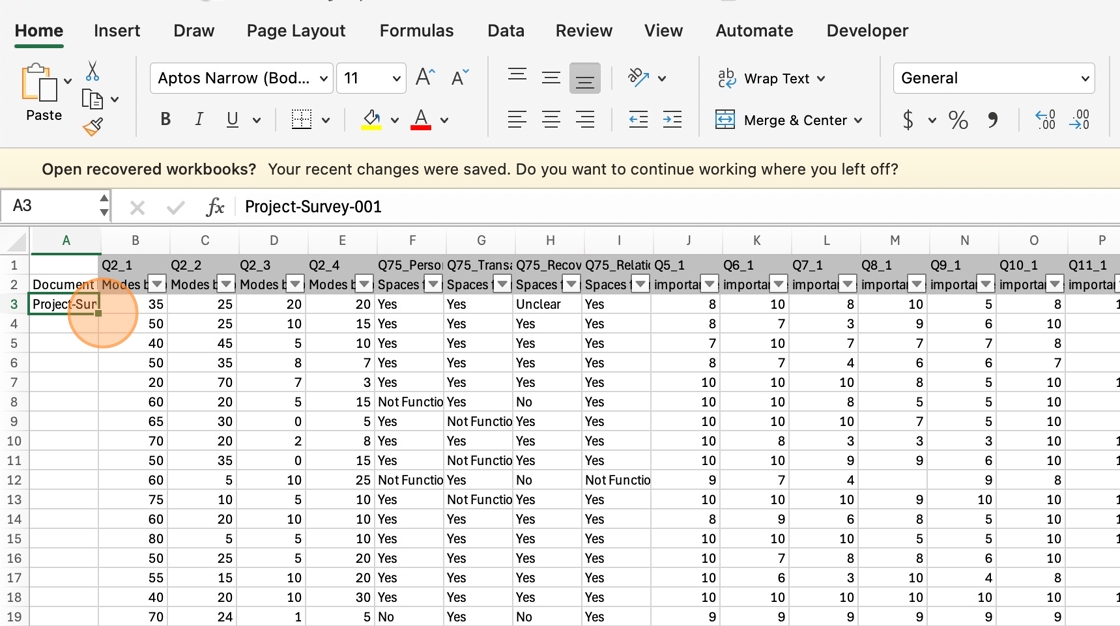
(entire17.
rows)Reviewthat+cameensurefromallSurveycolumnsPreview.Confirm that each column hashave ashortshort, descriptive name intherowsecond row.2. Ifanynot,areusemissingrowor1unclear,tocreate them based onunderstand thecolumn'squestion(found in row 1).Add a column at the beginning of the spreadsheet called "Document name". In the first row,and create a namethatinincludesrow 2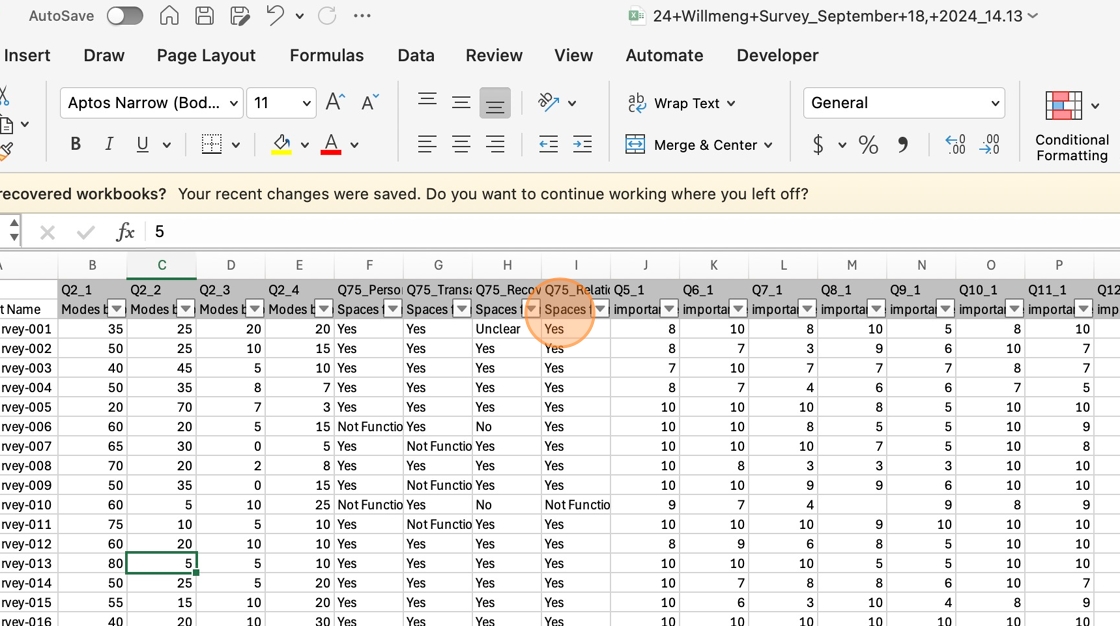
18. Select and delete row 1
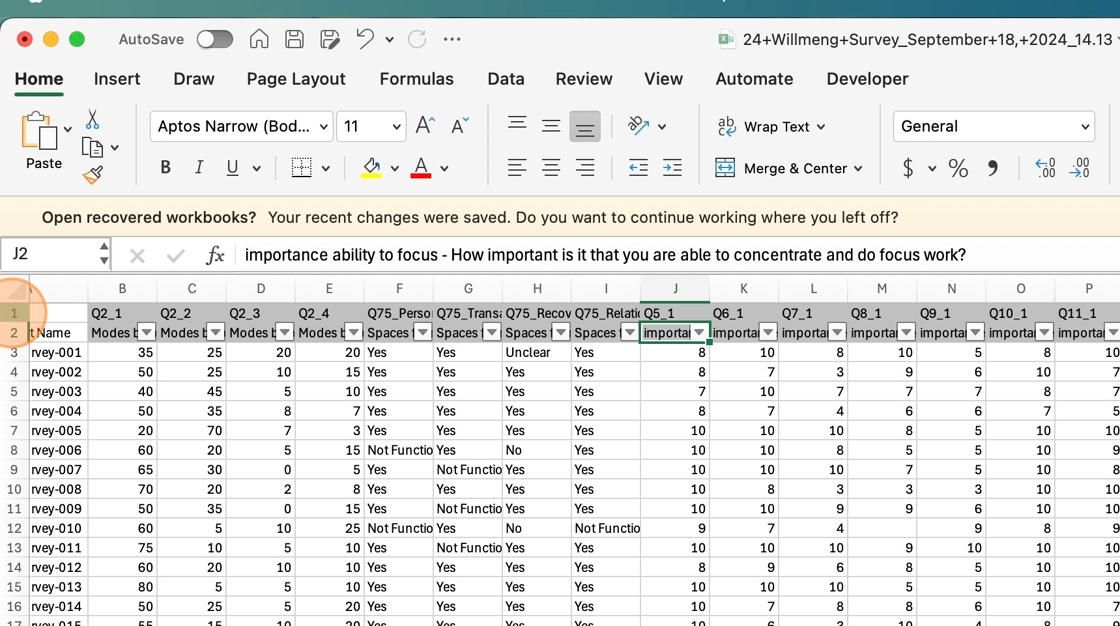
19. Select any cells with numbers
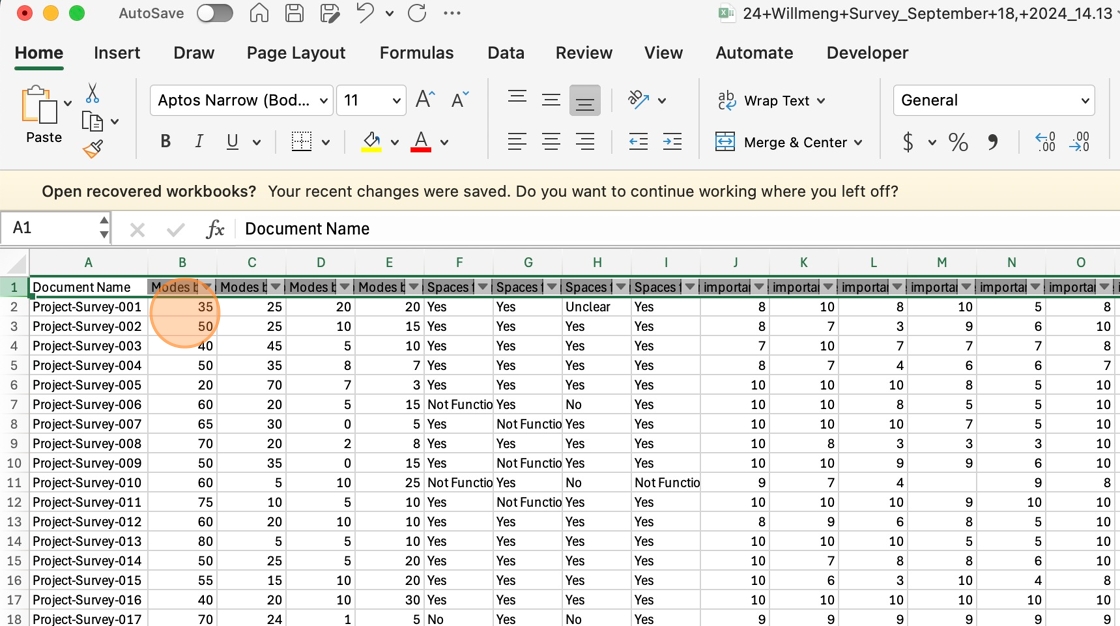
20. Click the
project,Number Format combo box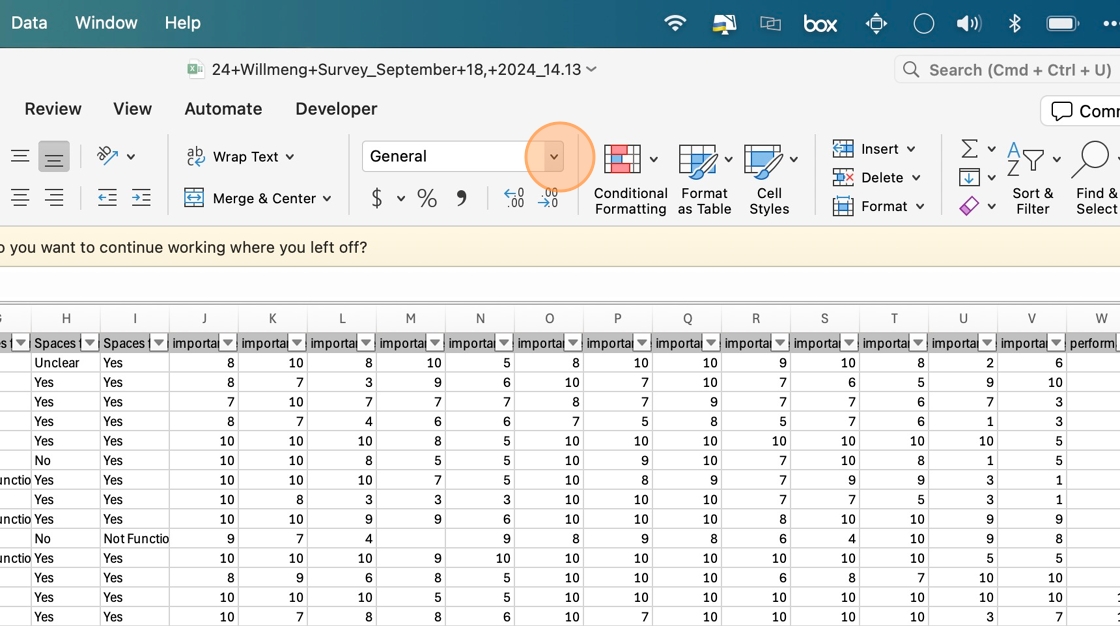
21. Click "
survey",Number"andtoendingconvertinfrom001.text 》example:toproject-survey-001numbers. FillRepeat for all numbers.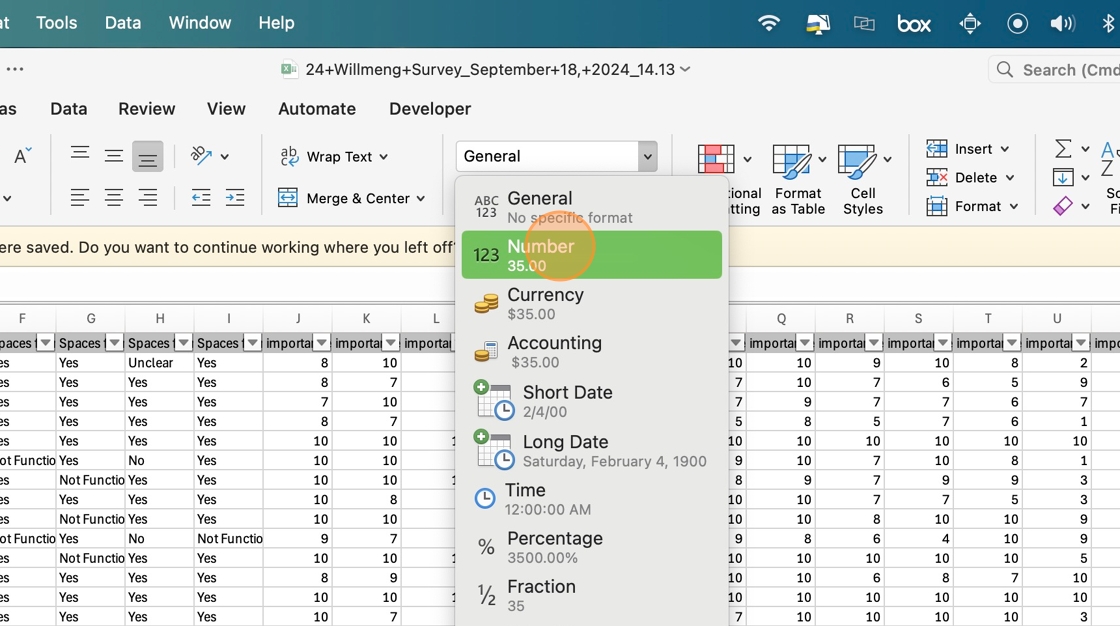
22. Save the
seriesfiledown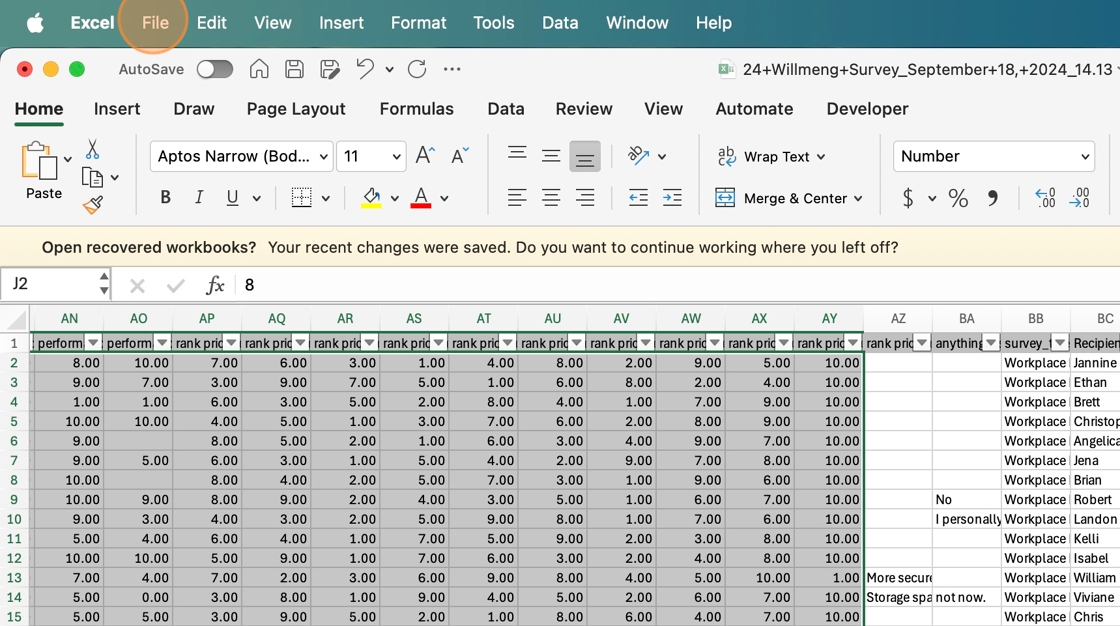
thecolumn until every entry has a document name.Delete the [#] columns.Qualtrics often saves numbers as text.Convert the format to "number."Survey data is prepped when each row has a Document Name, each column has a descriptive
name,name in the header, and number data is formatted correctly.
Resources
None